Frequently asked questions
No. Just copy and paste the website URL and the tool will detect automatically without any coding done in WordPress.
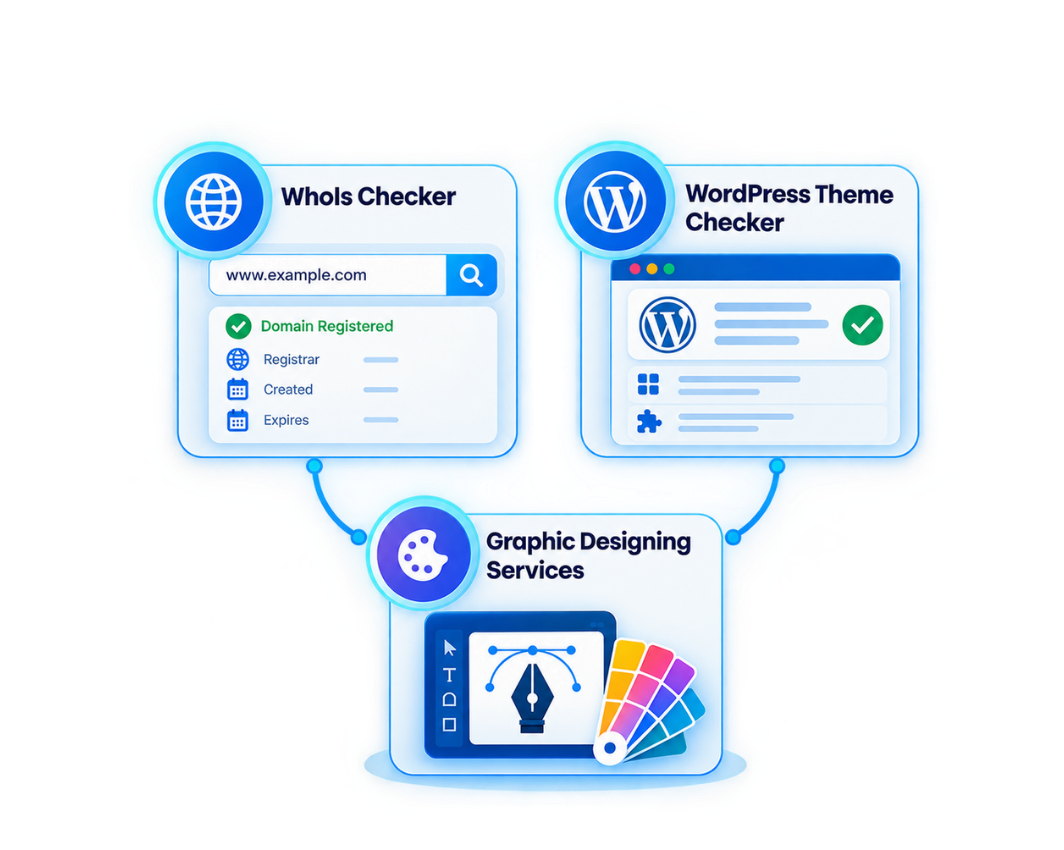
This section takes you through our design process and the various kinds of graphics we deliver according to particular client requirements and briefs.
Yes, WhoIs Checker and WordPress Theme Checker is free to use and do not require any registration – simply provide a domain or website link for instant outcomes.
It primarily focuses on WordPress determining the active theme of a site. Plugin detection isn't the primary function, so results are centered around theme information.
Yes, it allows for lookups on all standard domain extensions and returns the registration data for any extension the website is using.
Please contact us using our contact page or contact enquiry form to provide us with details of your project, and we will take you through the next steps depending on your needs.